Introduction: The "24-Hour" Work Cycle
If you are running a modern business, the sun never truly sets on your operations.
You might have a client in London, a developer in India, a designer in Brazil, and a project manager in California. This is the Global Advantage. It allows businesses to work 24/7, moving faster than ever before.
But this advantage comes with a hidden cost: Communication Chaos.
When your team is spread across five time zones, how do you keep everyone on the same page?
If you rely on Email, you are burying critical updates in a messy inbox.
If you rely on Spreadsheets, you are looking at static data that is obsolete the moment someone saves the file.
If you rely on WhatsApp/Slack, you are creating a "noisy" culture where everyone is chatting, but no one knows what the actual deadline is.
We call this "The Project Fog." It is the number one reason why 70% of international projects fail to launch on time.
In this guide, we are going to explore the shift from "Managing by Inbox" to "Operating Systems for Work." We will look at how high-performance global teams use tools like Zoho Projects to create a single source of truth that transcends borders, languages, and time zones.
Section 1: The Death of the "Status Meeting"
In the old world (local offices), if you wanted to know the status of a project, you called a meeting. You sat in a room for an hour, went around the table, and asked, "Where are we on this?"
In a global remote environment, the "Status Meeting" is a productivity killer. Trying to find a time that works for Tokyo, London, and New York is a nightmare. And when you finally do meet, half the team is tired, and the other half is just starting their day.
The Asynchronous Revolution
The most successful international companies have shifted to Asynchronous Management. This means the "Status" of a project doesn't live in a manager's head; it lives in the Project Dashboard.
With a centralized system like Zoho Projects, the question "Where are we on this?" is never asked. You simply log in and look.
The Kanban Board: Visually see which tasks are "In Progress," "In Review," or "Done."
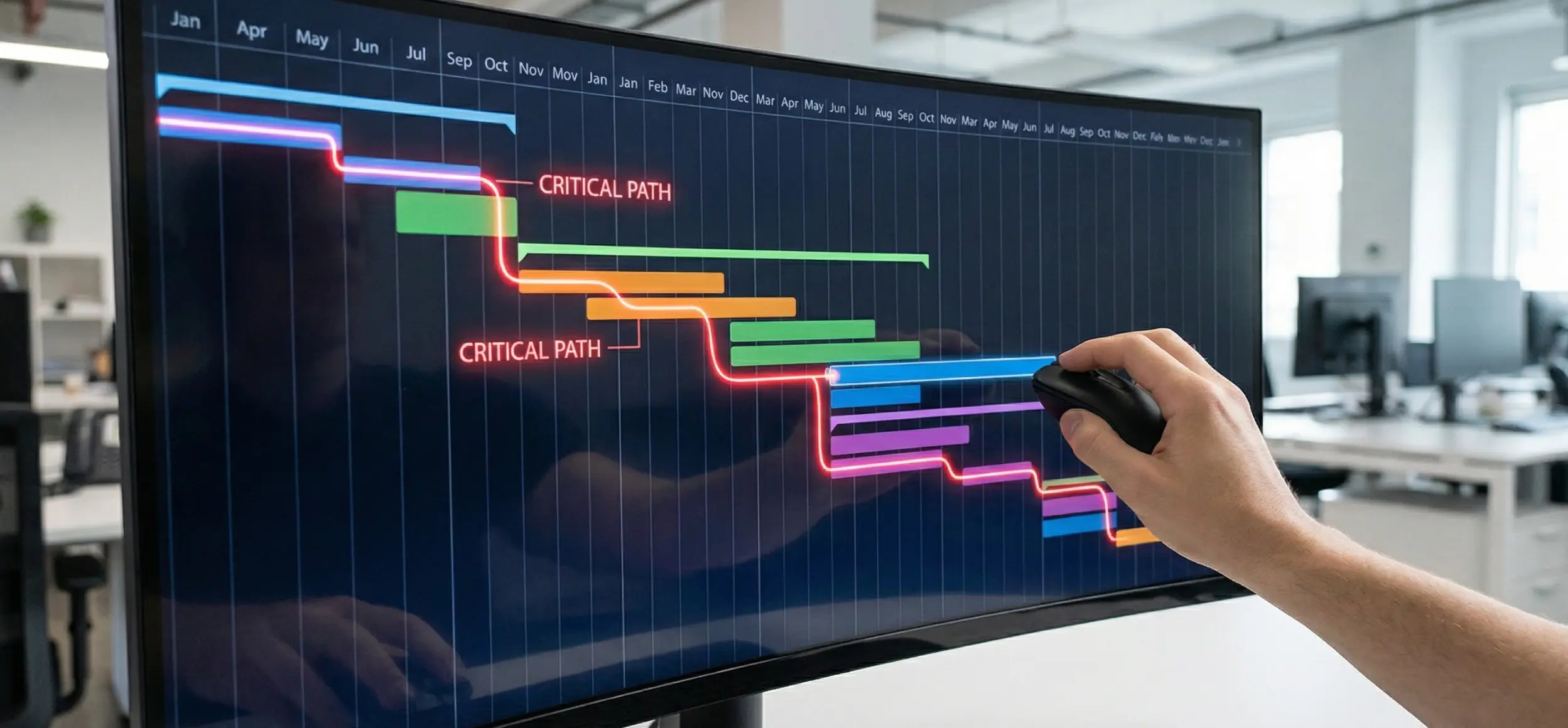
The Dependency Tree: See instantly that the Design Team (Brazil) cannot start until the Copy Team (UK) finishes their draft.
When the status is visible to everyone, 24/7, you don't need meetings to update people. You only need meetings to solve problems. This saves the average global team 10+ hours a week per employee.
Section 2: Resource Management (Who is Doing What?)
One of the biggest risks in global operations is Burnout. Because you can't "see" your remote employees, it is easy to accidentally overload your best performer. You might assign them three new projects, not realizing they are already working 12-hour days.
Conversely, you might have a talented junior employee sitting idle because you forgot to assign them a task.
The "Utilization" Heat Map
Modern Project Management isn't just about tasks; it is about People. Tools like Zoho Projects provide a "Resource Utilization Chart." This is a visual heat map of your workforce.
Red Zone: Employee is booked for 50 hours this week. (Danger: Re-assign tasks immediately).
Green Zone: Employee is booked for 30 hours. (Optimal).
Blue Zone: Employee is booked for 5 hours. (Opportunity: Assign more work).
This visibility allows you to balance the load across your global workforce. It ensures that your team in Asia isn't drowning while your team in Europe is waiting for work. It turns "Resource Allocation" from a guess into a science.
Section 3: The "Client Portal" (Transparency Builds Trust)
How do you update your clients? Do you send them a long, bullet-pointed email every Friday? Do they reply with, "Can you resend the file from last week? I lost it."
This is "Email Ping-Pong," and it destroys client confidence.
Inviting the Client "Inside"
In 2026, transparency is the ultimate trust builder. Instead of emailing updates, world-class agencies and consultants give their clients access to a Client Portal.
The View: The client logs in (via a secure link). They see a simplified dashboard. They see the timeline. They see the percentage of completion.
The Collaboration: They can comment directly on a task. "Can we change this color to blue?"
The Files: Every contract, design mock-up, and invoice is stored in the portal. They never have to ask you to "resend" a file again.
When a client can see the work happening, they feel secure. They stop micromanaging you. They stop sending "Just checking in" emails. They let you work.
Section 4: Budget vs. Reality (The Profit Trap)
Here is a hard truth: A project delivered "on time" can still lose money.
If you quoted the client $5,000 for a website, expecting it to take 50 hours, but your team actually spent 100 hours on it, you have lost money. You just don't know it yet.
Integrated Time Tracking
This is where the "Global Operating System" shines. Your Project Management tool must be connected to your Timesheets.
The Timer: Developers and creatives track their time directly on the task.
The Comparison: The system compares "Planned Hours" vs. "Actual Hours" in real-time.
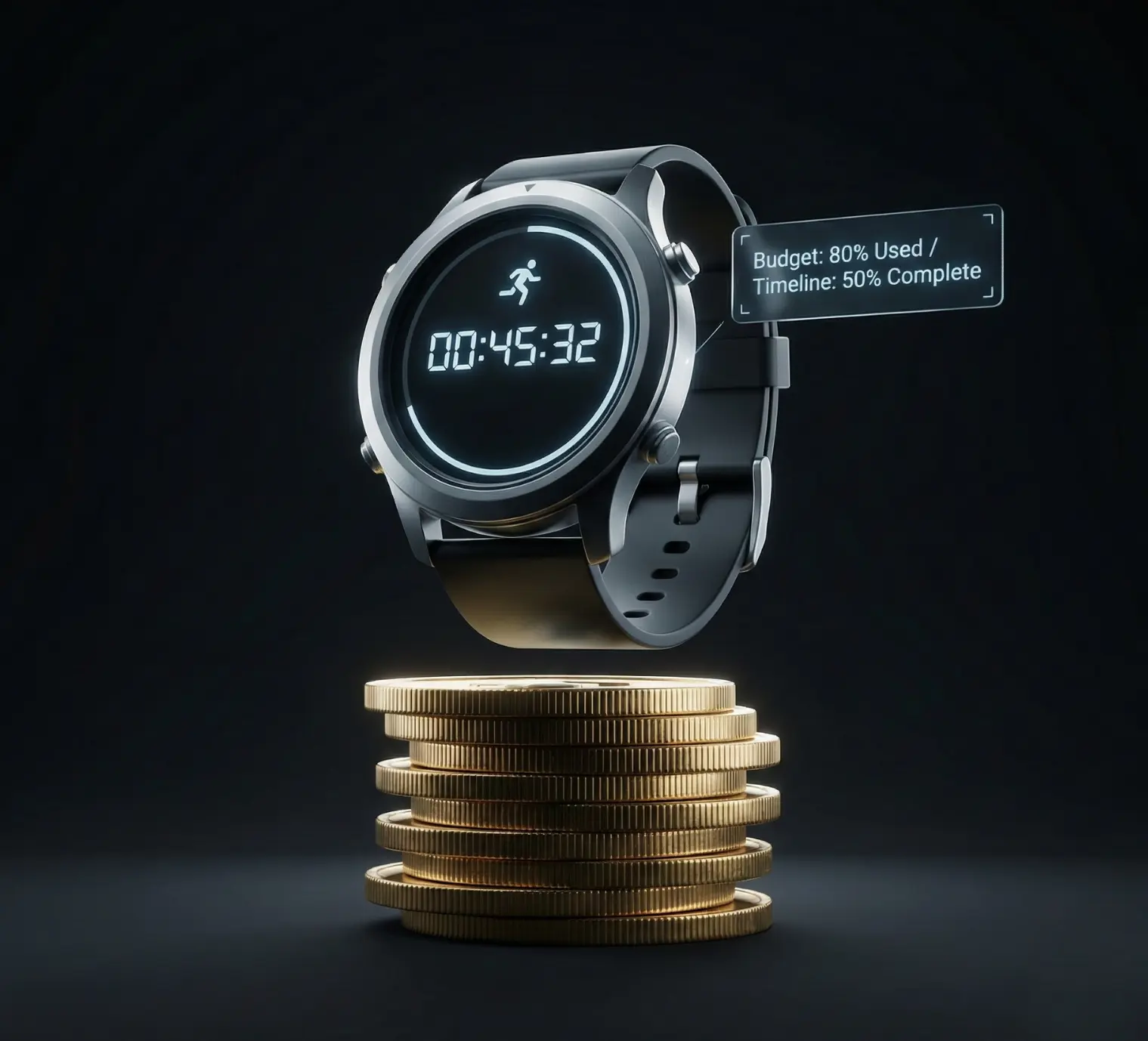
If a project is 30% complete but has used 60% of the budget, the system triggers an alert. You know today that you are going over budget, not after the project is finished. This allows you to course-correct, renegotiate scope, or improve efficiency before the profit margin evaporates.
Section 5: Automation (The Robot Project Manager)
The final layer of a mature system is Automation. Project Managers spend huge amounts of time on "Admin Trivia"—creating folders, assigning tasks, sending reminders.
The "Blueprint" Solution: You can script your ideal workflow into the software.
Trigger: Sales Team marks a deal as "Won" in the CRM.
Action 1: System automatically creates a new "Onboarding Project."
Action 2: System assigns the "Legal Review" task to the Legal Team.
Action 3: System creates a Google Drive folder for the client.
Action 4: System sends a "Welcome" email to the client with their portal login.
Zero human clicks. Zero human error. The project starts instantly, following the exact same standard operating procedure (SOP) every single time, whether the team is in London or Sydney.

Conclusion: Stop Managing Tasks, Start Managing Outcomes
The world is getting smaller. Your talent pool is now global. Your client base is international. But "Global" doesn't have to mean "Complicated."
The difference between a stressed, chaotic company and a calm, scalable enterprise is the System. When you move your operations out of the Inbox and into a dedicated Project Management environment, you stop fighting fires. You gain visibility. You gain accountability. And most importantly, you gain the freedom to grow without the chaos growing with you.
Is your business ready to scale globally, or are you still stuck in the inbox?