
It’s the email every business owner dreads. Subject: “Important changes to your subscription price.”
If you are one of the thousands of Canadian small business owners using QuickBooks Online (QBO), you likely received this notice recently. For many, the price for the "Plus" plan has jumped to $115 CAD per month.
For years, QuickBooks was the default choice. It was the "safe" choice. But as we head into 2026, "safe" has become "expensive."
At Bickert Management Inc. (BMI), we are seeing a massive shift in the Canadian market. It’s what we call "The Great Migration." Businesses aren't just leaving QuickBooks because of the price; they are leaving because they realized they were paying for a brand name rather than better features.
If you are tired of the annual price hike notification, it’s time to look at the serious alternative: Zoho Books.
In this guide, we’ll break down the math, the Canadian compliance factors, and the truth about migrating your data without losing your mind.
1. The Math: The "Subscription Fatigue" is Real
Let’s get the ugly part out of the way first. How much are you actually paying?
QuickBooks Online has steadily increased its pricing over the last 5 years. The standard "Plus" plan (which you need if you want to track inventory or project profitability) is now sitting at roughly $1,380 per year plus tax. And that’s before you add payroll.
Compare that to Zoho Books. The "Professional" plan—which includes project tracking, multi-currency (crucial for Canadian businesses dealing with USD), and timesheets—is approximately $600 per year ($50/month).
The 3-Year Savings Calculation
If you switch today, here is what your bank account looks like in 2029:
QuickBooks Cost: ~$4,140 (assuming no further hikes, which is unlikely)
Zoho Books Cost: ~$1,800
Total Savings:$2,340
That is a new laptop. That is a company retreat. That is profit. And remember: you aren't buying a "cheaper" product; you are buying a more efficiently priced one.

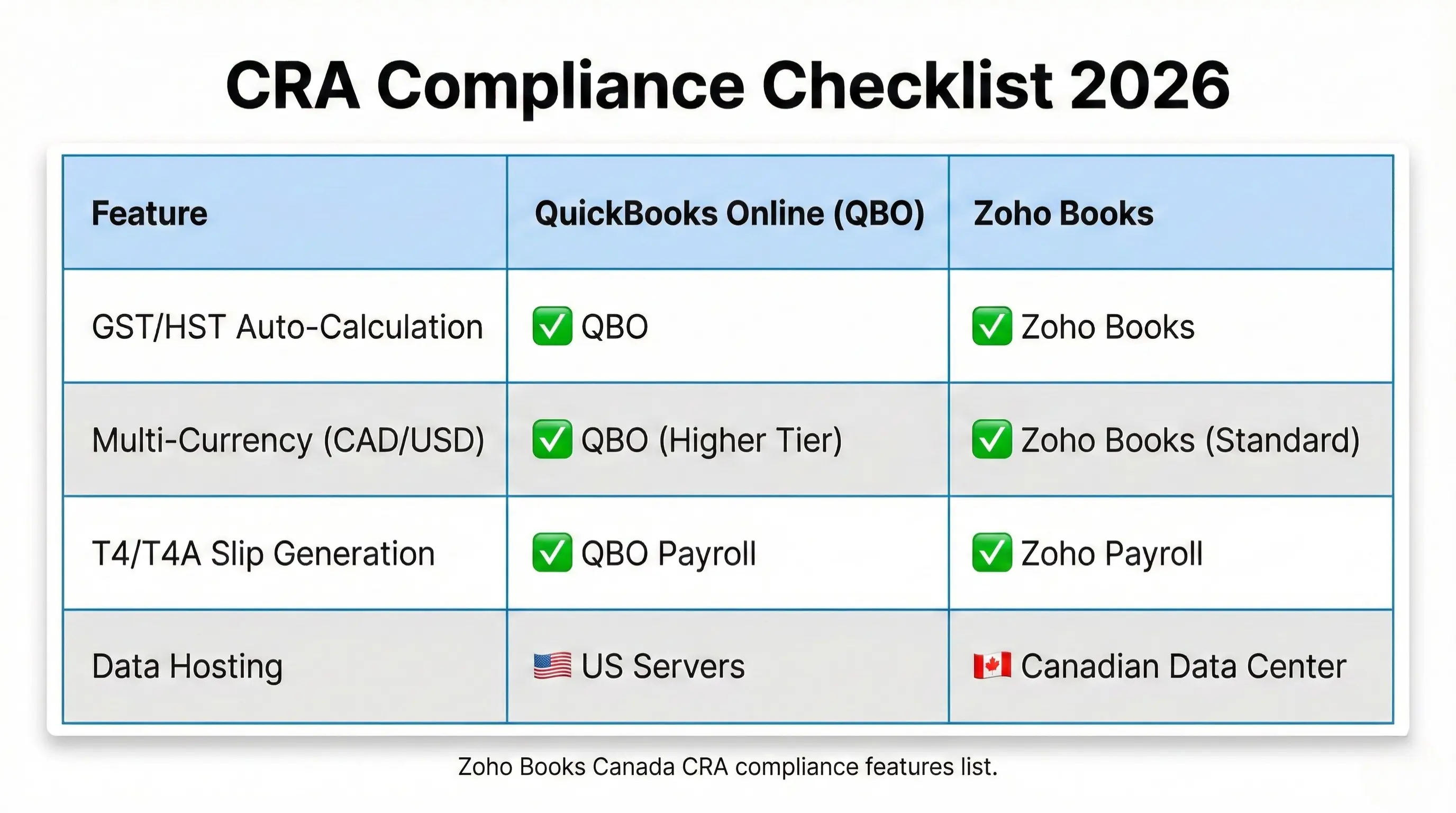
2. The "Canada Factor": Is Zoho Actually CRA Ready?
This is the #1 objection we hear: “But my accountant loves QuickBooks.” Of course they do. It’s what they learned in school 15 years ago.
But in 2026, Zoho Books is fully localized for Canada. This isn't just a US software with a maple leaf slapped on the logo.
GST/HST Filing is Native
Zoho Books automatically tracks your GST/HST on every invoice and expense. When tax season hits, it generates your GST34 return box-by-box. You can literally print the report and copy the numbers directly into the CRA NetFile portal.
The Multi-Currency Advantage
If you are a Canadian consultant who bills clients in USD, you know the pain of exchange rates. QuickBooks charges extra for multi-currency support in lower tiers. Zoho Books includes it early on. It automatically fetches the daily exchange rate from the Bank of Canada, so your "Realized Gain/Loss" reports are accurate to the penny.
Banking Feeds that Work
Zoho connects directly to RBC, TD, Scotiabank, BMO, and CIBC. The bank feeds work exactly the same way: your transactions flow in overnight, and you just click "Match" to reconcile them.
3. The "Ecosystem" Bonus: Why Standalone Accounting is Dead
QuickBooks is an accounting tool. If you want a CRM, you have to buy Salesforce or HubSpot and pay for a connector tool (like Zapier) to make them talk. Suddenly, your $115/month bill becomes $400/month.
Zoho Books is part of the "Operating System."
The CRM Link: When your sales rep closes a deal in Zoho CRM, the invoice is automatically created in Zoho Books. No double entry. No "Hey, did you bill that client?" emails.
The Expense Link: Your employees snap a photo of their lunch receipt with the Zoho Expense app. It flows directly into Zoho Books for approval.
You are moving from a "fragmented" business to a "unified" one.
4. The Migration Myth: "It’s Too Hard to Switch"
This is the lie that keeps you paying high fees. Business owners think migrating accounting software involves months of downtime and lost data.
Here is the reality of a modern migration:
Step 1: The "Clean Break" Date
You don't move everything from 1999. You pick a "Cut-Off Date"—usually the start of your fiscal year (e.g., Jan 1st or Nov 1st).
Historical Data: We export your past 5 years of P&L and Balance Sheets as "Read Only" PDFs or spreadsheets for your records.
Opening Balances: We bring over your "Closing Balances" from QuickBooks (Accounts Receivable, Payable, Bank Balances) and set them as the "Opening Balances" in Zoho.
Step 2: Master Data Import
We export your Customers, Vendors, and Item Lists from QuickBooks into CSV files. Zoho Books has a dedicated "QuickBooks Import" tool that maps these fields automatically.
Time taken: Usually less than 4 hours.
Step 3: The "Parallel Run"
For 2 weeks, you keep QuickBooks open (read-only) while you start working in Zoho. This gives you a safety net. Once you reconcile your first bank statement in Zoho and see it matches the bank to the penny, you cancel the QuickBooks subscription.
5. Who Should NOT Switch?
We believe in being "Expertly Approachable," which means being honest. Zoho Books is perfect for 95% of SMBs, but there are exceptions.
You might want to stay on QuickBooks if:
Your Bookkeeper Refuses to Learn: If your external accountant flat-out refuses to log into anything but QBO, you have a choice: change software or change accountants. (Note: We find most progressive accountants love Zoho once they see the dashboard).
Highly Specific Niche Add-Ons: If you use a very obscure construction industry app that only integrates with QuickBooks Desktop, the switch might require custom development.
For everyone else—Agencies, Consultants, E-commerce, Retail, Service Businesses—the switch is a no-brainer.
Stop Paying the "Laziness Tax"
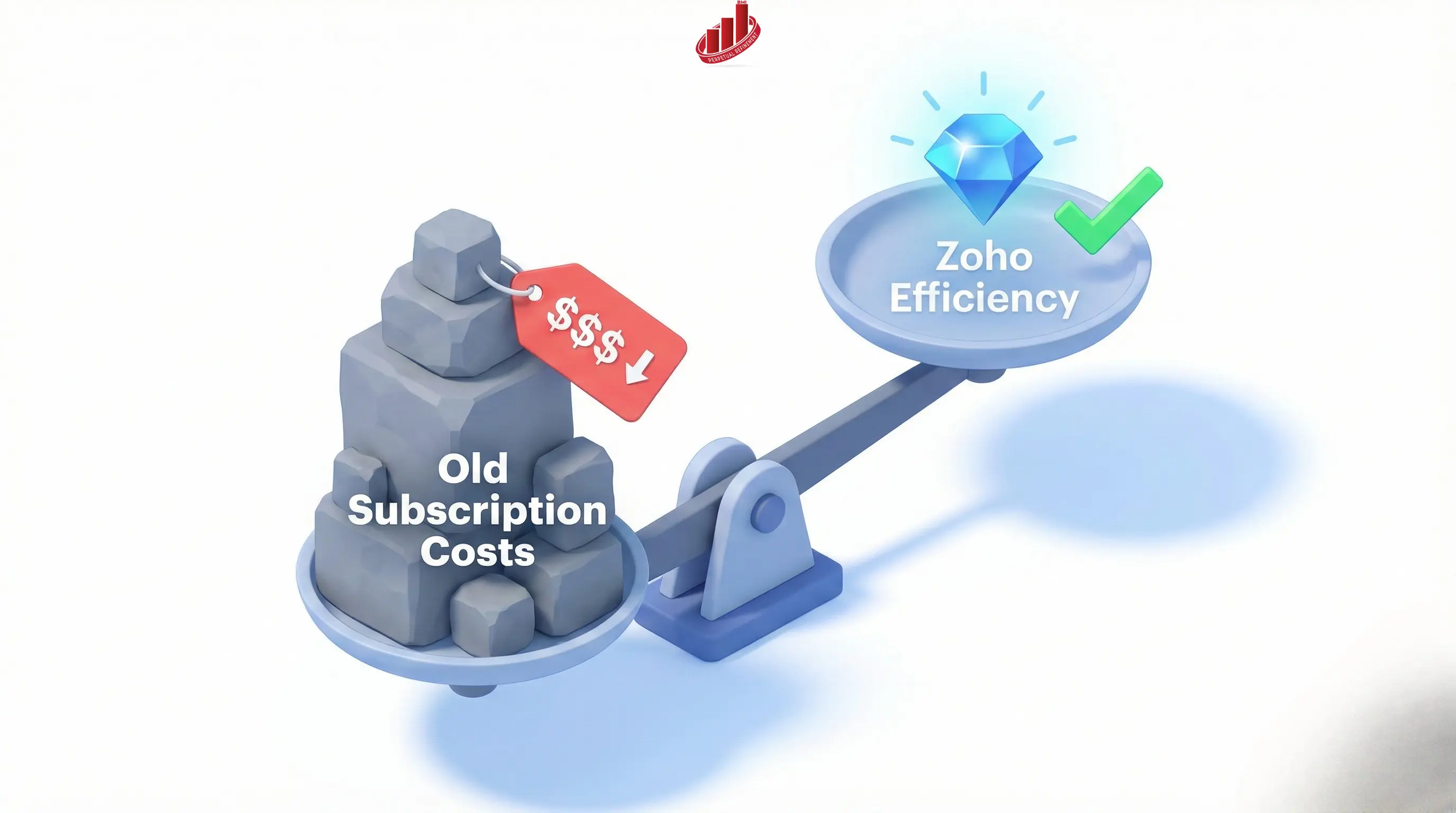
Staying with software just because "it’s already there" is what we call the Laziness Tax. It costs you thousands of dollars a year.
2026 is the year to get lean, efficient, and integrated. You don't have to do this alone. At BMI, we have migrated dozens of Canadian businesses from QBO to Zoho. We handle the exports, the cleaning, and the setup so you just log in and start billing.
Ready to see the difference?
DIY Option: Check out our Migration Checklist & Guide on the Resources page.
Done-For-You: Book a Migration Assessment through our PowerPlan shop. We will look at your current QBO file and give you a fixed price to move it.
Don't let another price hike hit your credit card without a fight.
Disclaimer: Pricing comparisons are based on publicly available data for QuickBooks Online Canada and Zoho Books Canada as of late 2025. Prices are subject to change by the respective vendors.